

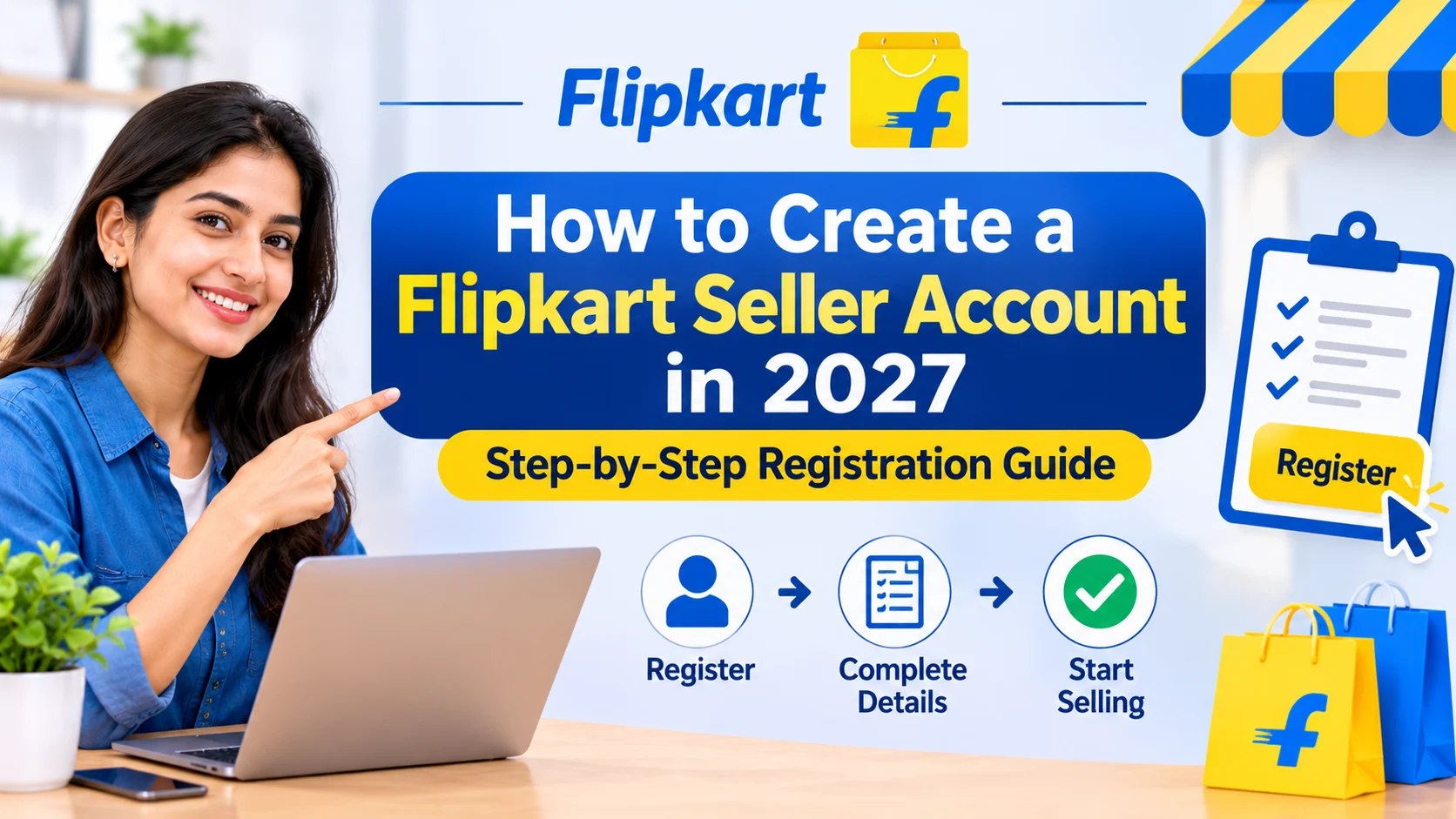
Flipkart seller account setup
How to Create a Flipkart Seller Account in 2027: Step-by-Step Registration Guide
Starting an online business in India has become easier with e-commerce marketplaces like Flipkart. Whether you are a manufacturer, wholesaler, retailer, small business owner or a new entrepreneur, selling on Flipkart can help you reach customers across different parts of the country. However, before listing your products, you need to complete the Flipkart seller account setup process.
Creating a seller account is the first step towards building your online business. You need to provide the correct business information, verify your mobile number and email address, submit the required tax details, add your bank account and configure your pickup location. Once your account is ready, you can upload products and start receiving orders after the required checks.
In this guide, we explain how to complete your Flipkart seller account setup in 2027, which documents you need, how GST registration works, how to list products and what to do after registration. We will also explain how an experienced E-commerce service provider can help you manage your marketplace operations and avoid common seller mistakes.
What Is a Flipkart Seller Account?
A Flipkart seller account is a business account that allows individuals and companies to sell their products on Flipkart.com. Sellers use the Flipkart Seller Hub to manage their product listings, inventory, orders, returns, payments and business performance.
After completing the Flipkart seller account setup, you can access the seller dashboard and manage your online store.
Through Seller Hub, sellers can:
- Add new products and manage existing listings.
- Update product prices and stock quantities.
- Receive and process customer orders.
- Manage shipping and returns.
- Track payments and settlements.
- Monitor account performance.
- Create advertising campaigns.
- Access seller learning resources and support.
You do not need to own a separate website to start selling on Flipkart. You can register your business directly through the official Flipkart Seller Hub.
Benefits of Creating a Flipkart Seller Account in 2027
Flipkart provides businesses with an opportunity to sell products online and connect with customers across India. Here are some important benefits of completing your Flipkart seller account setup.
1. Reach Customers Across India
Flipkart provides access to a large customer base across multiple Indian cities and serviceable PIN codes.
This gives local retailers, manufacturers and small businesses an opportunity to expand beyond their physical shops and reach customers in different regions.
2. Sell in Multiple Product Categories
Flipkart supports a wide range of product categories, including:
- Clothing and fashion accessories
- Mobile phones and electronics
- Home and kitchen products
- Beauty and personal care
- Footwear and bags
- Furniture and home décor
- Books and stationery
- Toys and baby products
Your product must meet the applicable category, quality and documentation requirements before it can be listed.
3. Manage Your Business Through Seller Hub
The Seller Hub dashboard allows you to manage important marketplace activities from one place.
You can monitor orders, update inventory, manage listings and review business reports without handling every activity manually.
4. Participate in Promotional Events
Sellers may get opportunities to participate in major promotional events and shopping festivals, including The Big Billion Days and other Flipkart campaigns.
These events can help increase product visibility and attract potential customers. Participation and promotional benefits depend on the applicable campaign requirements.
5. Access Seller Learning and Support
Flipkart provides seller resources, learning modules and support options to help businesses understand marketplace operations.
New sellers can use these resources to learn about listing products, managing orders and improving their selling performance.
Documents Required for Flipkart Seller Account Setup
Before starting the Flipkart seller account setup, keep your important documents and business information ready. Providing accurate details can make the registration process easier.
Essential Documents and Details
| Requirement | Purpose |
|---|---|
| Mobile number | Account verification and communication |
| Email address | Seller account registration and updates |
| Regular GSTIN | Required for most product categories |
| PAN details | Tax and identity-related information, as applicable |
| Bank account details | Receiving seller payments |
| Pickup address | Collecting products for customer orders |
| PIN code | Checking pickup service availability |
| Product information | Creating your first product listing |
| Digital signature | Completing registration requirements, if requested |
Important: Flipkart’s published seller requirements identify a regular GST number for categories other than Books and PAN details for the Books category. GST requirements can depend on the product and applicable rules. Confirm the latest requirements on Seller Hub before applying.
1. GST Registration
A GSTIN is generally required to sell GST-applicable products on Flipkart.
If you do not have a GST registration, visit the official GST portal to understand the registration process:
2. PAN Card
PAN details are important for seller identity and tax-related verification. Keep the PAN information of the individual or business entity ready according to your registration type.
3. Bank Account
You need valid bank account details so that marketplace payments can be transferred to you.
Keep the following information available:
- Account holder name
- Bank account number
- IFSC code
- Bank verification information, if requested
Make sure the details match your business and registration information.
4. Pickup Address
Your pickup address is the location from which logistics partners collect customer orders.
Enter a complete and serviceable address with the correct PIN code. Incorrect pickup details can create shipping and order-processing problems.
How to Create a Flipkart Seller Account in 2027: Step-by-Step Process
The Flipkart seller account setup process is completed through the official Flipkart Seller Hub. Follow these steps to register your business.
Step 1: Visit the Official Flipkart Seller Hub
Open the official website:
Click on the Start Selling or account registration option displayed on the website.
Make sure you are using the official Flipkart website before entering your personal or business information.
Step 2: Enter Your Mobile Number
Enter an active mobile number that you can access.
Flipkart may send an OTP (One-Time Password) to verify your number. Enter the OTP to complete mobile verification.
Use a number that you intend to keep active for seller account communication.
Step 3: Enter Your Business Details
After mobile verification, provide the required business information.
Depending on your business structure, you may need to enter:
- Business or legal name
- GSTIN
- PAN details
- Business type
- Registered business information
Check every detail before submitting the form. Your business name and tax information should be consistent with your official documents.
Step 4: Create Your Seller Account Password
Create a secure password for your Flipkart Seller Hub account.
Choose a password that is difficult to guess and avoid sharing your login credentials with unauthorised people.
Step 5: Verify Your Email Address
Enter your active email address and complete the verification process using the link or instructions sent by Flipkart.
Your registered email address may be used for important account notifications, verification updates and seller communication.
Step 6: Add Your Business Signature
Follow the instructions shown in Seller Hub to provide your signature or complete the required digital signature step.
Make sure the uploaded signature meets the platform’s format and quality requirements.
Step 7: Add Your Pickup Address
Enter the address from which your products will be collected for delivery.
Provide accurate information, including:
- Business or pickup location
- Complete address
- City and state
- PIN code
- Contact details
Check whether Flipkart logistics services are available at your selected location.
Step 8: Enter Your Bank Account Details
Add your bank account information for receiving payments.
Enter the account number and IFSC code carefully. Upload any supporting document, such as a cancelled cheque, if requested during verification.
Incorrect bank details may delay account verification or payment processing.
Step 9: Complete Your Seller Profile and Start Listing
Review your seller profile and complete any pending verification steps.
After the required account setup is complete, you can start creating product listings. Flipkart’s official seller website indicates that sellers can begin with at least one product.
Your listings may go through quality checks before becoming available to customers.
How to List Products on Flipkart After Registration
Completing the Flipkart seller account setup is only the beginning. Your next task is to upload products with accurate information so customers can understand and purchase them.
Follow these steps to create a product listing.
1. Select the Correct Product Category
Log in to Seller Hub and choose the appropriate category for your product.
Selecting the correct category helps ensure that your product is displayed in the relevant section of the marketplace.
2. Add Product Title
Create a clear and informative product title.
A good title should include relevant product information such as:
- Product type
- Brand name, where applicable
- Colour
- Size or quantity
- Important product features
Avoid adding unrelated keywords or promotional claims.
3. Upload High-Quality Product Images
Product images help customers understand the appearance and features of an item.
Use clear images with good lighting and follow Flipkart’s image guidelines.
Where appropriate, include:
- Main product image
- Different product angles
- Close-up details
- Product dimensions or features
- Lifestyle images, if permitted
4. Write Product Descriptions
Provide useful and accurate product information.
Include important details such as material, size, colour, usage instructions, package contents and product specifications.
Avoid copying descriptions from unrelated products or adding misleading information.
5. Add Price and Inventory Details
Enter the selling price and available stock quantity.
Before setting your price, calculate manufacturing or purchase costs, packaging expenses, marketplace charges, shipping costs and expected profit.
6. Submit Your Listing for Quality Check
Review all product details before submitting the listing.
Flipkart may review product information, images, category selection and other required attributes before approving a listing.
Once approved and active, your product can become available to customers.
Flipkart Seller Fees and Charges in 2027
Understanding marketplace charges is important before you start selling. Your actual selling costs affect your profit margins, so do not set product prices without calculating the applicable fees.
Depending on your product category, fulfilment method and seller arrangement, charges may include:
1. Commission or Marketplace Fee
This is a category-based fee charged on eligible sales. The applicable rate can vary according to the product category and current marketplace fee structure.
2. Fixed or Closing Fee
A fixed fee may apply to an order depending on the applicable price range and marketplace rules.
3. Shipping Fee
Shipping or logistics charges may apply depending on the product’s weight, dimensions, delivery location and fulfilment arrangement.
4. Collection or Payment-Related Charges
Applicable payment collection or other service charges may form part of the seller’s total cost, depending on the current rate card.
5. Additional Costs
You should also consider your own business expenses, such as:
- Product manufacturing or purchasing cost
- Packaging material
- Product photography
- Advertising budget
- Returns and damaged inventory
- Applicable taxes
Tip: Check the latest fee details and rate card inside Flipkart Seller Hub before finalising your selling price. Marketplace charges can change, so avoid relying on old fee calculations.
Common Mistakes to Avoid During Flipkart Seller Account Setup
Many new sellers face problems because they provide incorrect information or do not understand the marketplace requirements.
Here are some common mistakes to avoid.
1. Entering Incorrect GST or PAN Details
Your business and tax information should match the relevant official documents. Even small differences can create verification issues.
2. Using an Incorrect Pickup Address
An incomplete or incorrect pickup address can affect logistics serviceability and order collection.
3. Uploading Poor-Quality Product Images
Unclear images can reduce customer confidence and may not meet marketplace listing requirements.
4. Choosing the Wrong Product Category
Incorrect category selection can create listing errors or approval problems.
5. Setting Prices Without Calculating Fees
Always calculate your total selling expenses before deciding your product price.
6. Ignoring Seller Hub Notifications
Check your dashboard regularly for listing errors, account notifications, pending verification tasks and policy updates.
7. Ignoring Account Health
Monitor your seller performance, order processing, cancellations, returns and customer complaints. Follow Flipkart’s policies to maintain a healthy account.
Tips to Grow Your Flipkart Business After Registration
After completing your Flipkart seller account setup, focus on improving your products and daily operations.
Use these practical suggestions to build a stronger marketplace business.
1. Optimise Your Product Listings
Use relevant keywords naturally in product titles and descriptions. Add complete specifications and clear images.
2. Maintain Competitive Pricing
Research similar products and understand their pricing before setting your selling price.
Competitive pricing should still leave enough margin to cover your business expenses.
3. Keep Your Inventory Updated
Update stock quantities regularly to avoid accepting orders for unavailable products.
4. Monitor Your Orders and Returns
Process orders on time and review return reasons. Repeated returns may indicate issues with product quality, packaging or listing accuracy.
5. Explore Flipkart Advertising
Flipkart advertising can help increase product visibility. Start with a planned budget and monitor campaign performance.
Review important metrics such as clicks, advertising spend, conversions and sales before increasing your budget.
6. Review Business Performance
Use Seller Hub reports to identify products that perform well and products that need improvement.
Regular performance reviews can help you make better decisions about pricing, inventory and advertising.
Why Choose a Professional E-commerce Service Provider for Flipkart Account Management?
Managing a Flipkart seller account involves several activities beyond registration. Sellers need to handle product catalogues, inventory, pricing, orders, advertising, returns and account health.
For new businesses, managing all these activities without experience can become challenging.
A professional E-commerce service provider can help simplify marketplace operations and support your business as it grows.
Flipkart Seller Account Setup Support
Get assistance with seller registration, business information, document preparation and account onboarding.
Product Listing and Catalogue Management
Professional listing support can help improve product titles, descriptions, images, specifications and category selection.
Flipkart SEO Services
Relevant keyword research and listing optimisation can help improve how customers discover your products through marketplace searches.
Flipkart Advertising Management
Campaign planning, keyword targeting, budget monitoring and performance analysis can help sellers manage advertising more effectively.
Inventory and Order Management
Regular monitoring of inventory, orders and returns can help reduce operational problems.
Account Health and Performance Monitoring
Review important account notifications, seller performance metrics and listing issues to identify areas that need attention.
If you are searching for Filipkart account management services, make sure you choose an experienced team that understands Flipkart Seller Hub, catalogue requirements, marketplace policies and advertising operations. The correct marketplace spelling is Flipkart.
Conclusion: Start Selling on Flipkart in 2027
Completing your Flipkart seller account setup is the first step towards building an online business on one of India’s major e-commerce marketplaces. By preparing the required documents, providing accurate business details, verifying your account and creating quality product listings, you can establish your seller profile and begin your online selling journey.
However, long-term success requires regular attention to product listings, pricing, inventory, advertising, orders and account health.
If you are new to Flipkart or already selling online and want to improve your marketplace performance, professional support can make daily operations easier.
Avisha Digital Services provides Flipkart seller account setup assistance, product listing optimisation, catalogue management, marketplace SEO and advertising support.
Our team can help you understand your requirements and manage important marketplace activities so you can focus on growing your business.
Ready to start selling on Flipkart?
Visit Avisha Digital Services or contact our team to discuss your Flipkart seller account requirements.
Frequently Asked Questions About Flipkart Seller Account Setup
1. How can I create a Flipkart seller account in 2027?
To create a Flipkart seller account, visit the official Flipkart Seller Hub at seller.flipkart.com. Enter your mobile number, verify it using OTP, provide your business and tax details, verify your email, add your pickup address and bank details, and complete the required profile steps.
2. What documents are required for Flipkart seller account setup?
For most product categories, you need a regular GSTIN, PAN-related business details, an active mobile number, an email address, bank account information, pickup address and product details. Books sellers may follow different GST and PAN requirements. Check the current official registration requirements for your category.
3. Is GST mandatory for selling on Flipkart?
A regular GSTIN is generally required for selling GST-applicable products on Flipkart. The platform identifies an exception for the Books category in its published seller registration requirements. Check the current rules and category requirements before registering.
4. Can I sell on Flipkart without owning a website?
Yes. You do not need a separate website to sell on Flipkart. You can register directly through Flipkart Seller Hub, complete the required verification and list eligible products on the marketplace.
5. How can I manage my Flipkart seller account after registration?
You can manage your seller account through Flipkart Seller Hub. It allows you to handle product listings, inventory, orders, returns, payments and performance reports. You can also hire a professional marketplace management company for assistance with listing optimisation, advertising, catalogue management and account operations.



Leave a Reply